Set exact dimensions, cap file size, scale by percentage — or just describe what you want and let the AI handle it.
Features
Three powerful resize modes plus an AI chat interface — all without leaving your iPhone.
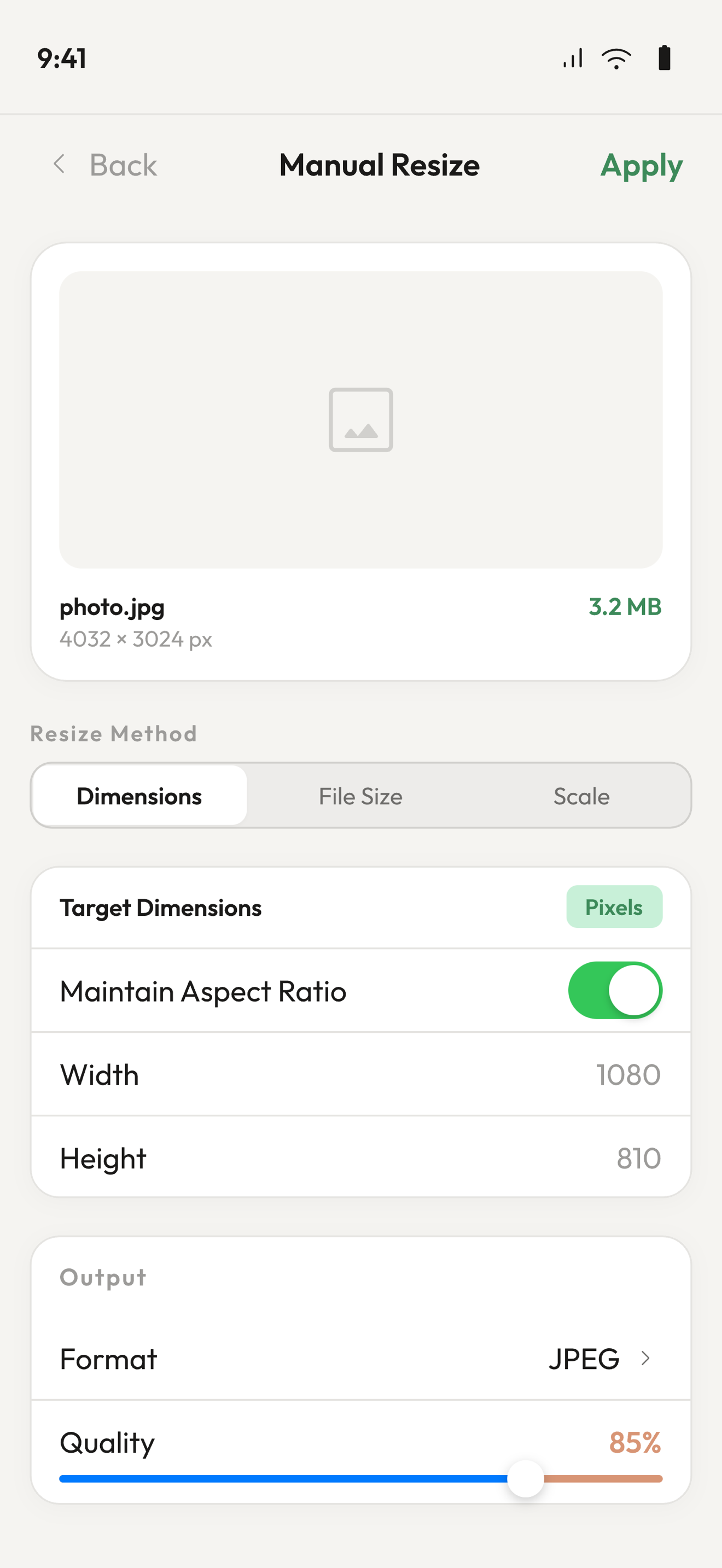
Enter a target width and height in pixels, centimetres, or inches. Aspect-ratio lock keeps things proportional.
Pick a size limit and IntelliSize compresses until the file fits — perfect for email or upload limits.
Quickly shrink or enlarge a photo to a percentage of its original size with a simple slider.
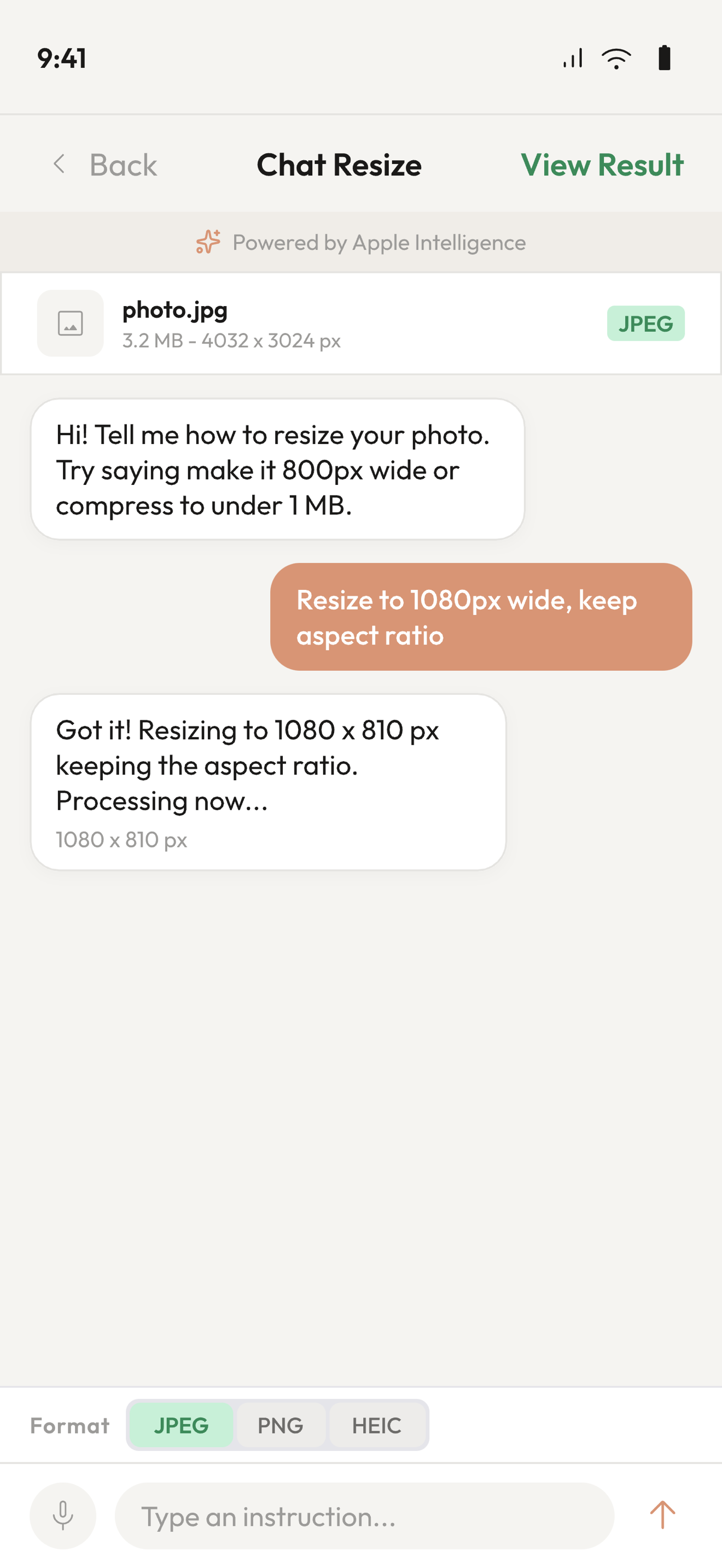
Just type "make this under 2 MB" or "resize to 1080 × 1920" and the AI figures out the rest.
Export as JPEG, PNG, HEIC, TIFF, BMP or GIF. Choose compression quality to balance size and clarity.
All processing happens on-device. Your photos never leave your phone.
How it works
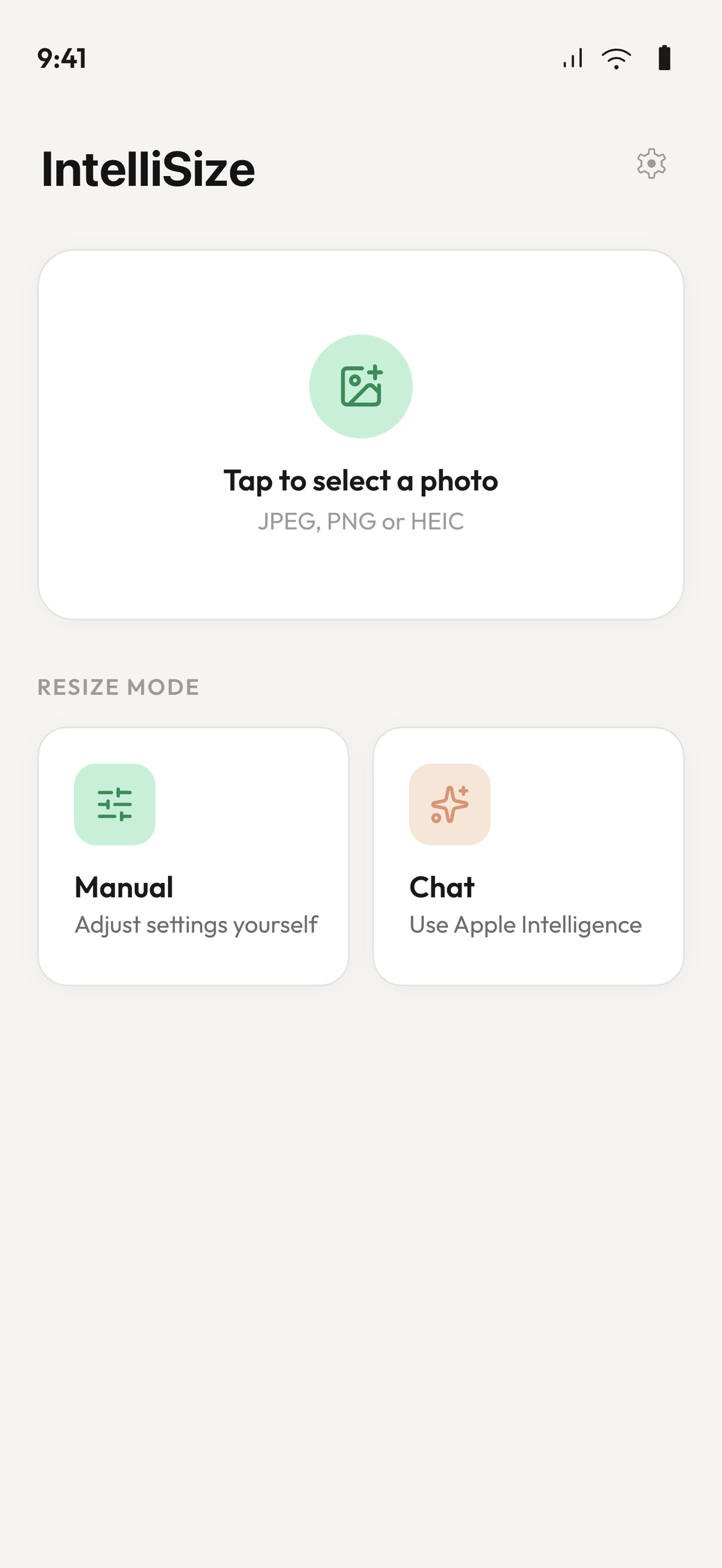
Choose any image from your library. IntelliSize shows you the current dimensions and file size right away.
Switch between Manual resize (dimensions, file size, or scale) or Chat mode to type a plain-English instruction.
See a before/after comparison, then save to your library or share directly from the result screen.
FAQ
Yes — IntelliSize is free to download and includes a daily usage allowance. A Pro subscription unlocks unlimited use, batch processing, and AI Chat.
No. All resizing and compression happens entirely on your device. Your photos stay private.
IntelliSize requires iOS 18.1 or later with Apple Intelligence enabled.
You can export resized images as JPEG, PNG, HEIC (Pro), TIFF, BMP or GIF. Input images can be any format supported by iOS Photos.
Yes — subscriptions are managed through your Apple ID settings and can be cancelled at any time. You keep Pro access until the end of the billing period.
Download IntelliSize for free and get your photos to exactly the size you need.
Download on the App StoreRequires iOS 18.1 or later · iPhone & iPad